
BME688 Environmental Sensor
The BME688 is a compact environmental sensor that measures temperature, humidity, barometric pressure, and gas concentrations. With integrated AI capabilities, it can be trained for specific gas detection applications, making it suitable for indoor air quality monitoring, smart home devices, and various IoT applications.

BME688 pinout
The BME688 supports both I²C and SPI with AI-powered gas sensing:
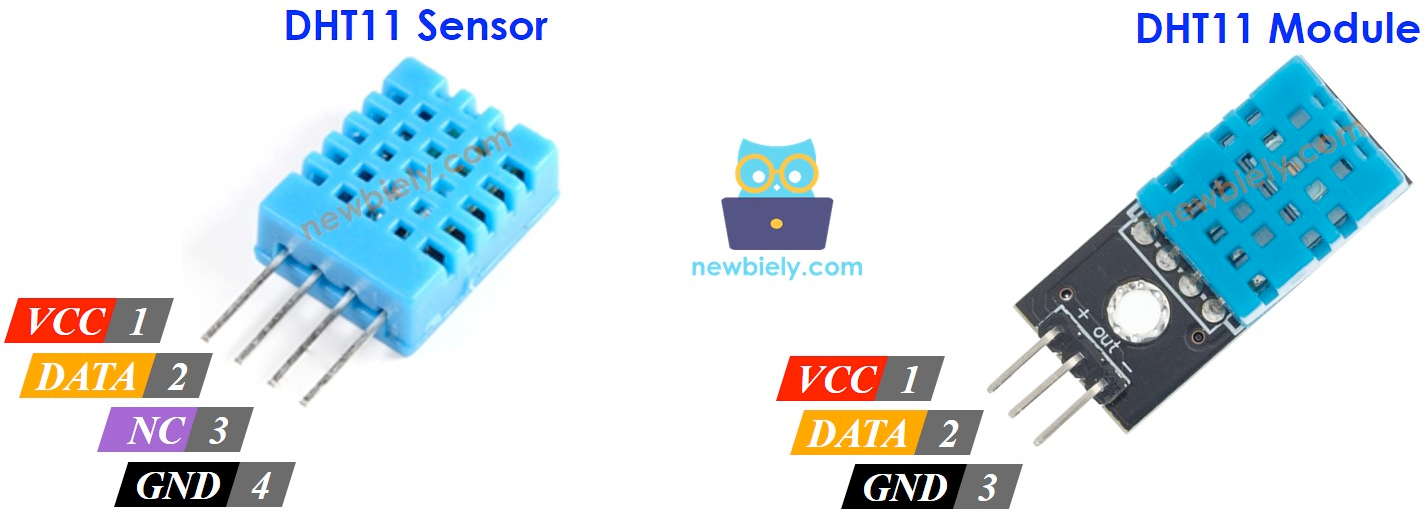
| Pin | Type | Description | Notes |
|---|---|---|---|
| VIN | Power | Power input | 1.71V to 3.6V (typically 3.3V) |
| GND | Power | Ground connection | |
| SDA/SDI | Communication | I²C data / SPI data in | Connect to ESP32 GPIO21 (I²C) or GPIO23 (SPI) |
| SCL/SCK | Communication | I²C clock / SPI clock | Connect to ESP32 GPIO22 (I²C) or GPIO18 (SPI) |
| CS | Communication | Chip select for SPI | Tie to 3.3V for I²C mode - low selects SPI (use a GPIO like GPIO5 as CS in SPI mode) |
| SDO | Communication | SPI data out | GPIO19 for SPI, optional in I²C |
Dual Protocol: Supports both I²C and SPI
I²C Address: 0x76 or 0x77
Temperature: -40°C to +85°C
Humidity: 0-100% RH
Pressure: 300-1100 hPa
Gas Sensor: AI-powered VOC and VSC detection
AI Capable: Train for specific gas detection
IAQ: Indoor Air Quality Index
Power: 1.71V-3.6V (typically 3.3V)
Applications: Advanced air quality, smart homes, industrial
Wiring the BME688 to ESP32
To interface the BME688 with an ESP32 using I²C:
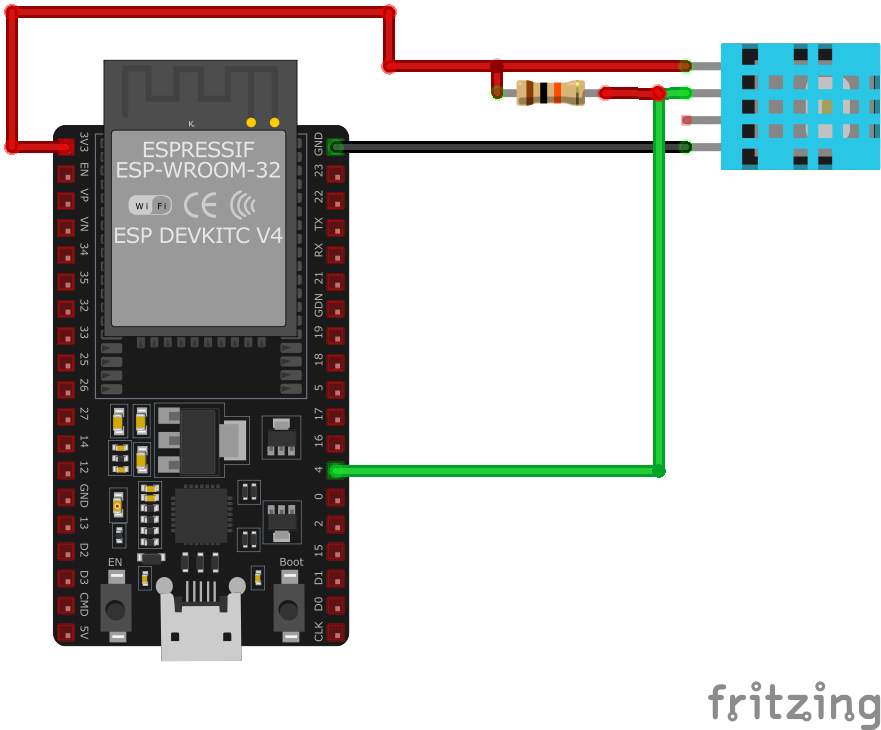
| BME688 pin | ESP32 pin | Purpose |
|---|---|---|
| VIN | 3.3V | Power supply |
| GND | GND | Ground |
| SDA/SDI | GPIO21 | I²C data line |
| SCL/SCK | GPIO22 | I²C clock line |
| CS | 3.3V | Tie to 3.3V for I²C mode - low selects SPI |
I²C Address: 0x76 or 0x77 (check with scanner)
AI Training: Use Bosch BME AI Studio for custom gas profiles
Gas Sensor: Requires heating element (automatic)
Warm-up: ~30 minutes for stable gas readings
Power: Use 3.3V
Enhanced: Improved accuracy over BME680
BME688 code examples
#include <Wire.h>
#include <Adafruit_Sensor.h>
#include "Adafruit_BME680.h"

#define SEALEVELPRESSURE_HPA (1013.25)

Adafruit_BME680 bme;

void setup() {
  Serial.begin(115200);
  if (!bme.begin()) {
    Serial.println("Could not find a valid BME680 sensor, check wiring!");
    while (1);
  }
  bme.setTemperatureOversampling(BME680_OS_8X);
  bme.setHumidityOversampling(BME680_OS_2X);
  bme.setPressureOversampling(BME680_OS_4X);
  bme.setIIRFilterSize(BME680_FILTER_SIZE_3);
  bme.setGasHeater(320, 150); // 320°C for 150 ms
}

void loop() {
  if (!bme.performReading()) {
    Serial.println("Failed to perform reading :(");
    return;
  }
  Serial.print("Temperature = ");
  Serial.print(bme.temperature);
  Serial.println(" *C");

  Serial.print("Pressure = ");
  Serial.print(bme.pressure / 100.0);
  Serial.println(" hPa");

  Serial.print("Humidity = ");
  Serial.print(bme.humidity);
  Serial.println(" %");

  Serial.print("Gas = ");
  Serial.print(bme.gas_resistance / 1000.0);
  Serial.println(" KOhms");

  delay(2000);
}
This Arduino code initializes the BME688 sensor using the Adafruit BME680 library, which is compatible with the BME688. The sensor is configured for temperature, humidity, pressure, and gas readings with specific oversampling and filtering settings. The gas heater is set to 320°C for 150 milliseconds to ensure accurate detection of volatile organic compounds (VOCs) and other gases. The sensor data is read in the loop function and printed to the Serial Monitor every two seconds.
// Requires the esp-idf-lib BME680 driver (BME688-compatible) from the ESP Component Registry:
//   idf.py add-dependency "esp-idf-lib/bme680^1.0.7"

#include <stdio.h>
#include <string.h>
#include "freertos/FreeRTOS.h"
#include "freertos/task.h"
#include "bme680.h"  // BME688 is register-compatible with the BME680 in T/RH/P/gas mode

#define SDA_GPIO GPIO_NUM_21
#define SCL_GPIO GPIO_NUM_22

void app_main(void)
{
    ESP_ERROR_CHECK(i2cdev_init());

    bme680_t sensor;
    memset(&sensor, 0, sizeof(bme680_t));
    ESP_ERROR_CHECK(bme680_init_desc(&sensor, BME680_I2C_ADDR_1, 0, SDA_GPIO, SCL_GPIO));
    ESP_ERROR_CHECK(bme680_init_sensor(&sensor));

    bme680_set_oversampling_rates(&sensor, BME680_OSR_4X, BME680_OSR_2X, BME680_OSR_2X);
    bme680_set_filter_size(&sensor, BME680_IIR_SIZE_7);
    bme680_set_heater_profile(&sensor, 0, 320, 150); // 320 C for 150 ms
    bme680_use_heater_profile(&sensor, 0);

    uint32_t duration;
    bme680_get_measurement_duration(&sensor, &duration);

    while (1) {
        bme680_values_float_t values;
        if (bme680_force_measurement(&sensor) == ESP_OK) {
            vTaskDelay(duration);
            if (bme680_get_results_float(&sensor, &values) == ESP_OK)
                printf("Temp %.2f C, Hum %.2f%%, Press %.2f hPa, Gas %.0f Ohm\n",
                       values.temperature, values.humidity,
                       values.pressure, values.gas_resistance);
        }
        vTaskDelay(pdMS_TO_TICKS(2000));
    }
}
ESP-IDF ships no BME688 driver of its own, so this example uses the maintained esp-idf-lib BME680 driver from the ESP Component Registry - the BME688 is register-compatible with the BME680 for temperature, humidity, pressure and gas-resistance measurements. Install it into your project first with idf.py add-dependency "esp-idf-lib/bme680^1.0.7", then build as usual.
The sensor runs in forced mode: each cycle the code triggers a measurement, waits the duration the driver calculated, then reads temperature, humidity, pressure and gas resistance with bme680_get_results_float(). The BME688's additional AI/gas-scanner features are not exposed this way - they require Bosch's proprietary BSEC2 library. If your board uses I2C address 0x76, change BME680_I2C_ADDR_1 to BME680_I2C_ADDR_0.
i2c:
  sda: GPIO21
  scl: GPIO22

sensor:
  - platform: bme680
    temperature:
      name: "BME688 Temperature"
    pressure:
      name: "BME688 Pressure"
    humidity:
      name: "BME688 Humidity"
    gas_resistance:
      name: "BME688 Gas Resistance"
    address: 0x76
This ESPHome configuration integrates the BME688 sensor, allowing it to report temperature, pressure, humidity, and gas resistance values. The default I²C address of 0x76 is used.
[env:esp32dev]
platform = espressif32
board = esp32dev
framework = arduino
lib_deps =
    adafruit/Adafruit BME680 Library
    wire
monitor_speed = 115200#include <Wire.h>
#include "Adafruit_BME680.h"
Adafruit_BME680 bme;
void setup() {
Serial.begin(115200);
if (!bme.begin()) {
Serial.println("Could not find a valid BME688 sensor, check wiring!");
while (1);
}
}
void loop() {
Serial.print("Temperature: ");
Serial.print(bme.readTemperature());
Serial.println(" *C");
Serial.print("Pressure: ");
Serial.print(bme.readPressure() / 100.0);
Serial.println(" hPa");
Serial.print("Humidity: ");
Serial.print(bme.readHumidity());
Serial.println(" %");
Serial.print("Gas Resistance: ");
Serial.print(bme.readGas() / 1000.0);
Serial.println(" KOhms");
delay(2000);
}This PlatformIO code configures the BME688 sensor using the Adafruit BME680 library. It reads and prints temperature, pressure, humidity, and gas resistance values to the Serial Monitor every two seconds.
# Requires driver: bme680 - install with: mpremote mip install github:robert-hh/BME680-Micropython
from time import sleep
from machine import I2C, Pin
from bme680 import BME680_I2C

# Initialize I2C (SDA=GPIO21, SCL=GPIO22)
i2c = I2C(0, scl=Pin(22), sda=Pin(21))

# Initialize BME680 (address 0x77; pass address=0x76 if SDO is low)
bme = BME680_I2C(i2c=i2c)

while True:
    print("Temperature: {:.2f} C".format(bme.temperature))
    print("Pressure: {:.2f} hPa".format(bme.pressure))
    print("Humidity: {:.2f} %".format(bme.humidity))
    print("Gas: {:.1f} kOhm".format(bme.gas / 1000))
    sleep(2)
The BME688 is register-compatible with the BME680 for temperature, humidity, pressure and gas-resistance readings, so robert-hh's BME680 driver works unchanged (mpremote mip install github:robert-hh/BME680-Micropython). The BME688's extra AI/gas-scanner features require Bosch's proprietary BSEC2 library, which does not exist for MicroPython.
BME688 specifications
About the BME688
The BME688 is Bosch’s follow-up to the BME680, with the same temperature, humidity, pressure and heated gas-resistance measurements plus what Bosch markets as AI-powered gas scanning: instead of the BME680’s single fixed heater profile, the BME688 supports four configurable heater profiles and can be trained with Bosch’s BME AI-Studio tool to recognize specific gas signatures rather than just a generic air-quality trend.
Hardware-wise the two chips are close to identical - same package, same pinout, same core sensing element, with a wider gas-resistance range enabled in the BME688’s silicon. Software is where they diverge: the BME680’s BSEC library does not run the BME688, so you need BSEC2 (or a model trained in AI-Studio) to get anything beyond raw gas resistance, temperature, humidity and pressure out of it.
That trained gas-scanning capability is genuinely new, but it is aimed at product designers who need to detect a specific gas signature, not at a weekend project that just wants an air-quality number. If your goal is a plain IAQ or eCO2/TVOC reading, the closed-source BSEC2 dependency and training workflow are more setup than the older BME680 needs for the same basic result, and ScioSense’s ENS160 skips the closed library altogether by computing AQI on-chip.
BME688 troubleshooting
Library Not Found Error
›
Issue: The Arduino IDE cannot locate the required BME688 library.
Solution: Ensure that the Adafruit BME680 library is installed via the Arduino Library Manager. Restart the Arduino IDE after installation. Note that the BME688 is compatible with the BME680 library.
Sensor Initialization Failure
›
Issue: The BME688 sensor fails to initialize, displaying an error message such as Could not find a valid BME680 sensor, check wiring!.
Solution: Verify that all wiring connections are correct and that the sensor is receiving appropriate power. Use an I²C scanner to confirm the sensor's address.
Incorrect or Inconsistent Readings
›
Issue: The sensor provides inaccurate or fluctuating temperature, humidity, or gas readings.
Solution: Ensure that the sensor is not exposed to rapid environmental changes or placed near heat sources. Allow the sensor to stabilize after power-up, as recommended by Bosch Sensortec. Calibration may be necessary for precise gas measurements.
Resources
Similar sensors


